
The 10-Second Phone Test for Your RV Park's Website
Key takeaways
- Many campers see your website on a phone before anything else.
- Five checks in ten seconds tell you whether your site is helping or costing you bookings.
- Google uses the mobile version of your site for indexing and ranking.
- Fall is the right window to fix it, before campers plan spring and summer trips.
Try this before you read any further: the ten-second phone test for your RV park website.
Take out your phone, open your park's website, and give it ten seconds.
That is the whole test. It is the same thing a camper does when they find your park, and it tells you more about your website than any report will. Here is what to look for, why it matters, and what to fix first.
The five-check RV park website mobile test
While the page loads, run through these five questions. Mark each one Pass or Fix.
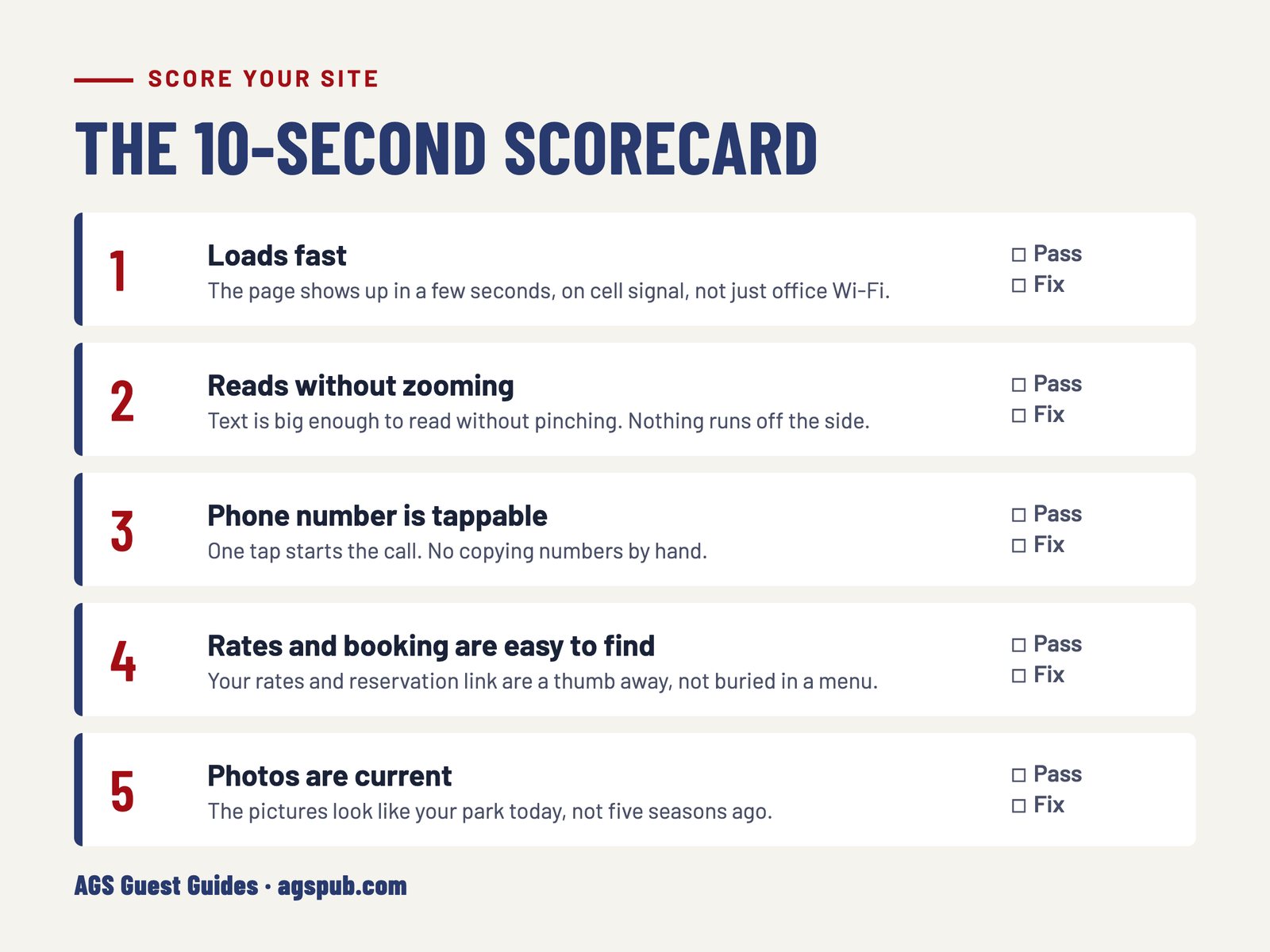
1. Did it load quickly?
If you were staring at a blank screen or a spinning wheel, so is the camper who just found you. A slow page loses people before they see a single photo.
2. Could you read it without pinching and zooming?
If the text is tiny and you have to spread your fingers to read it, the site was built for a desktop screen and never adjusted for phones.
3. Was the phone number tappable?
A camper on a phone wants to tap your number and call. If it is an image, buried in the footer, or plain text that will not dial, that call may not happen.
4. Could you find your rates and your reservation link without hunting?
These are the two things most visitors came for. If you had to scroll, open a menu and guess, a stranger will give up faster than you did.
5. Are the photos from this season, or from a few years back?
Old photos of sites that have since been improved undersell your park. Photos of things that are no longer there set up a disappointing arrival.
Why your phone is the right test
A lot of the people deciding whether to stay at your park are doing exactly what you just did, on a phone. Here is what the numbers show.
In the RMS 2025 State of the Outdoor Hospitality Report, 64% of travelers said they book directly on a campground's website, and fewer than one in ten use a desktop.
Online search is also now the top way campers find a park. In RMS's 2026 survey of campers, online search (64%) passed recommendations from friends and family (60%).
Across the country, nearly half of all U.S. web traffic now comes from phones (45.4% in October 2026, per Statcounter).
Google looks at your site the same way. In its own documentation, Google says it uses the mobile version of a site's content for indexing and ranking. If your site falls apart on a phone, that is the version Google is judging.
What a bad first ten seconds costs you
Those first ten seconds cost you bookings when they go badly. A camper who cannot find your rates or tap your number does not call to ask. They hit the back button and open the next park in the results.
They also set an expectation about the park itself, before anyone pulls through the gate. A site that looks cared for suggests a park that is cared for. A site that looks abandoned suggests the opposite, even when your sites, bathhouses and staff are excellent.
What to fix first
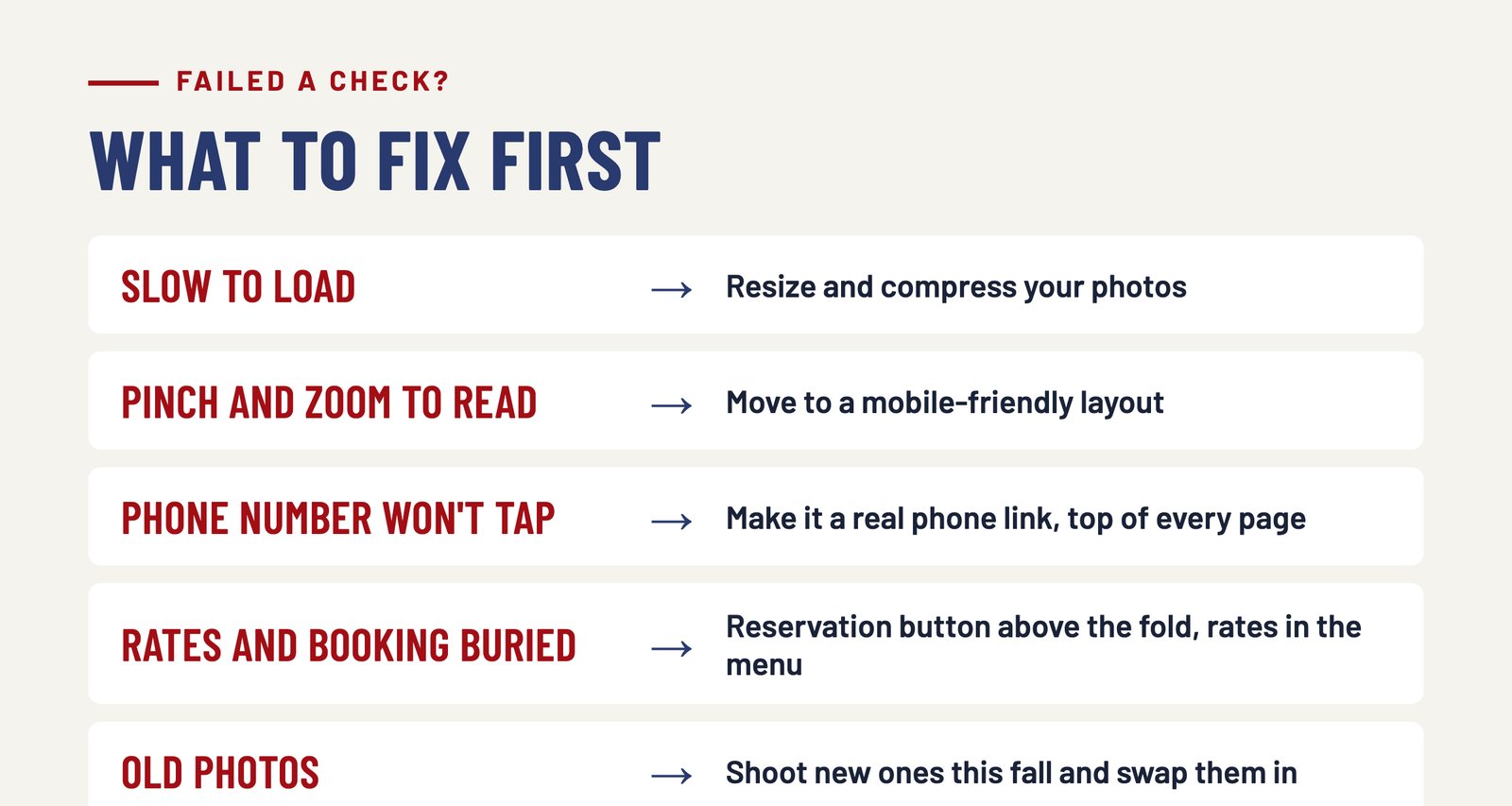
If you failed one or two checks, start here:
- Slow to load: large, uncompressed photos are the usual cause. Resizing them is often the fastest win.
- Pinching and zooming: the layout is not mobile-friendly. This usually takes a rebuild or a new template, not a tweak.
- Phone number will not tap: make it a real phone link and put it at the top of every page.
- Rates and reservations are buried: put a clear reservation button where a visitor sees it without scrolling, and link your rates from the menu.
- Old photos: take new ones this fall while the park still looks like summer, and swap them in.
Cleanup or rebuild?
Not every disappointing result means starting over. Out-of-date photos, a phone number that will not tap, or a buried reservation link can often be fixed with a cleanup. If the site will not fit a phone screen, takes too long to load, or is hard to update yourself, a rebuild is usually the better spend.
Why fall is the right window
Fall is the right time to deal with it. Arrivals are slowing, next season's marketing has not started yet, and a site you fix now has time to settle in before people plan spring and summer trips.
We do this work for parks, and we already handle your branding on the guest guide, so everything a guest sees stays consistent, from the first search on their phone to the guest guide they pick up at your front desk.
Did not love the result?
Send us your website address. We will take a look and tell you honestly whether it needs a rebuild or just a cleanup.
Frequently asked questions
How do I test my RV park website on mobile?
Take out your phone, open your park's website, and give it ten seconds. Check five things: it loads quickly, you can read it without pinching and zooming, the phone number is tappable, your rates and reservation link are easy to find, and the photos are current.
Do campers really book on their phones?
Many do. In an RMS survey of campers, 64% said they book directly on a campground's website and fewer than one in ten use a desktop.
Does a slow or hard-to-read mobile site affect Google search?
Yes. Google says it uses the mobile version of your site for indexing and ranking, which it calls mobile-first indexing, so what a phone visitor sees is what Google judges.
Does my park website need a full rebuild?
Not always. Out-of-date photos, a phone number that will not tap, or a buried reservation link can often be fixed with a cleanup. A site that will not fit a phone screen or takes too long to load usually needs a rebuild.
When is the best time to update a campground website?
Fall. Arrivals are slowing, next season's marketing has not started, and a site you fix now has time to settle in before people plan spring and summer trips.